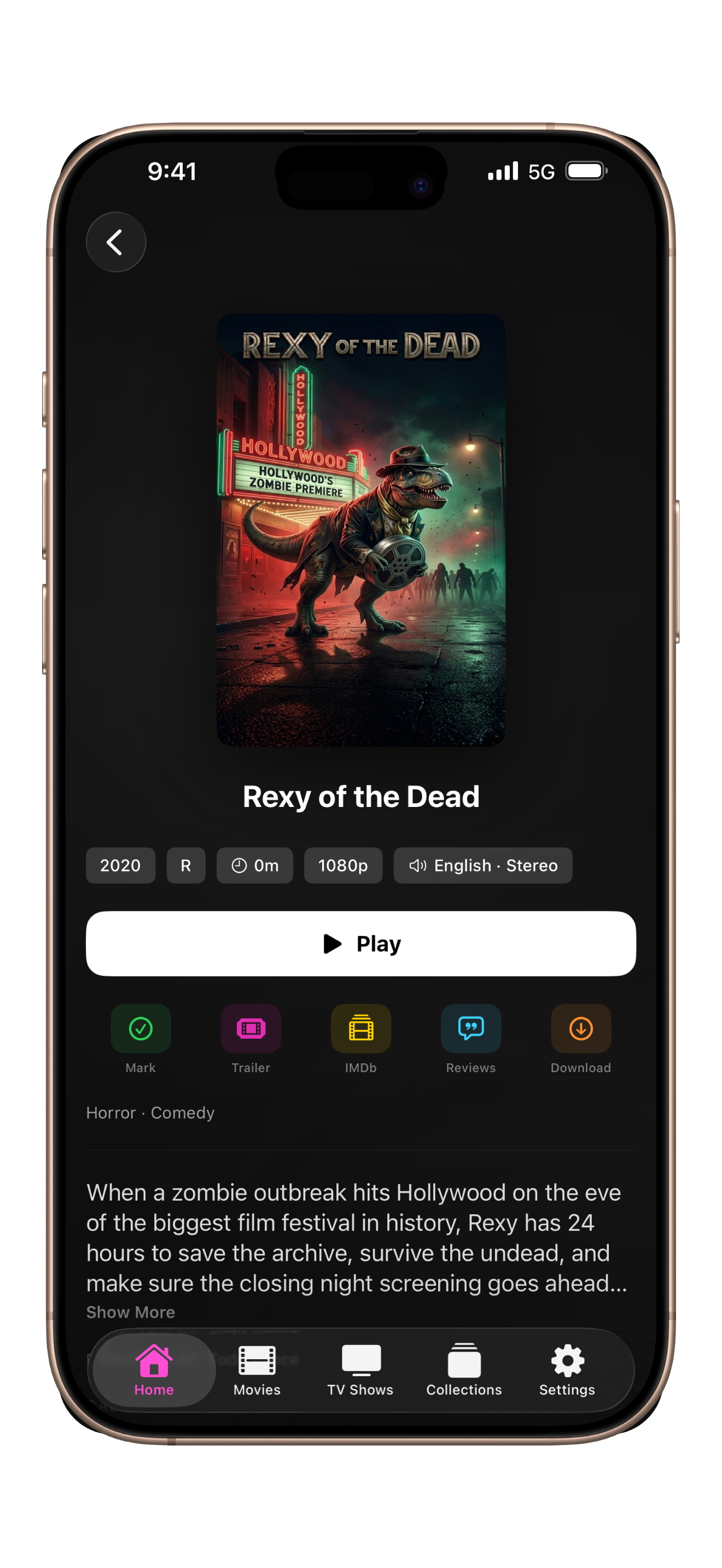
The most personal way to browse your library. Gesture-driven and optimized for one-hand use, the iPhone interface is compact and fast.
Swipe to navigate, tap to play, pull to refresh. Everything is exactly where you expect it.
- Compact one-hand browsing
- Full gesture navigation
- Portrait and landscape support
- Offline downloads
- Picture-in-picture playback
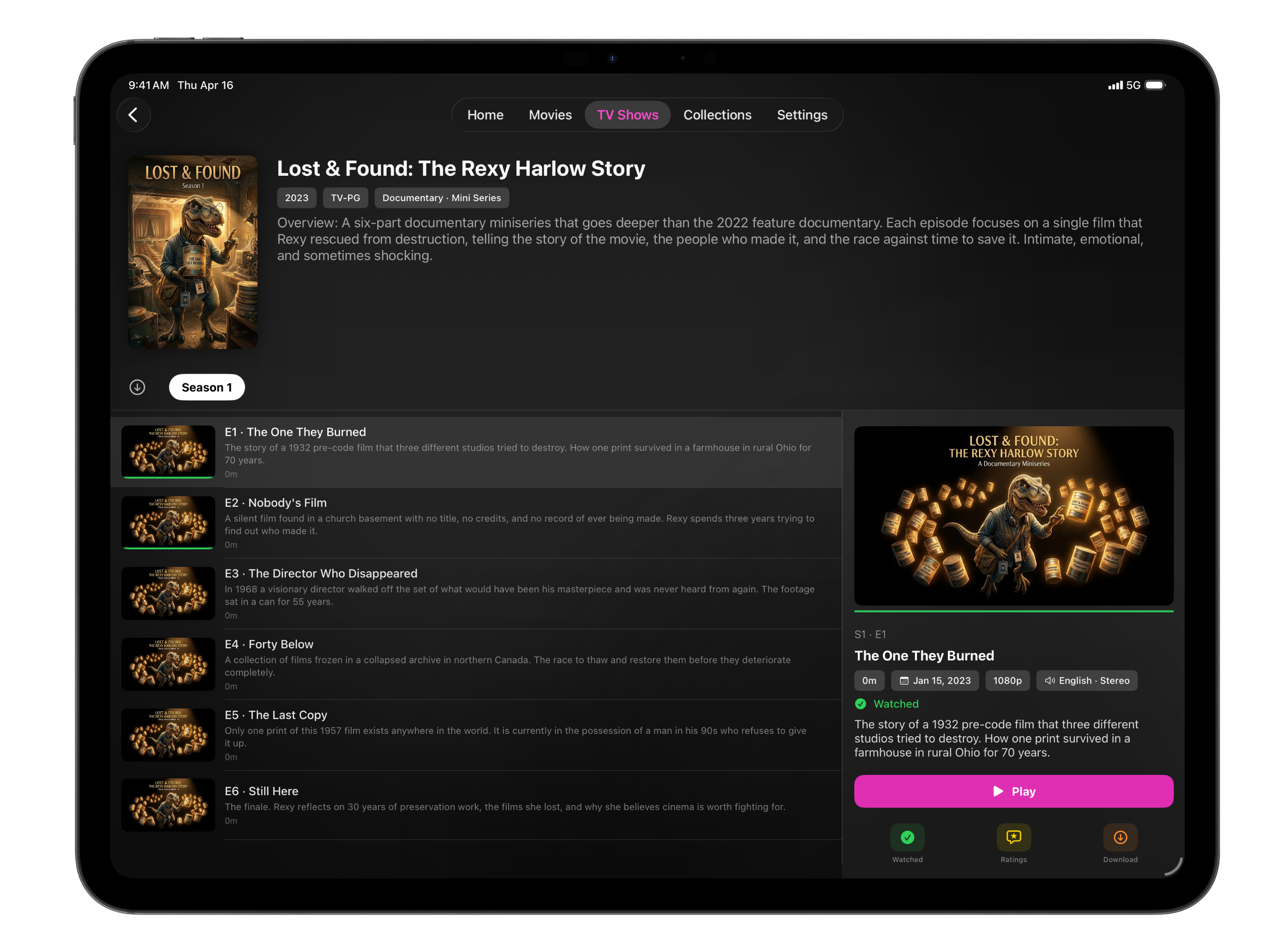
The iPad layout takes advantage of the larger canvas with a wide episode browser that shows a detail panel alongside the episode list.
Full keyboard support, split-screen compatible, and optimized for both portrait and landscape orientations.
- Side-by-side episode detail panels
- Full keyboard and trackpad support
- Landscape and portrait layouts
- Split View and Slide Over
- Offline downloads
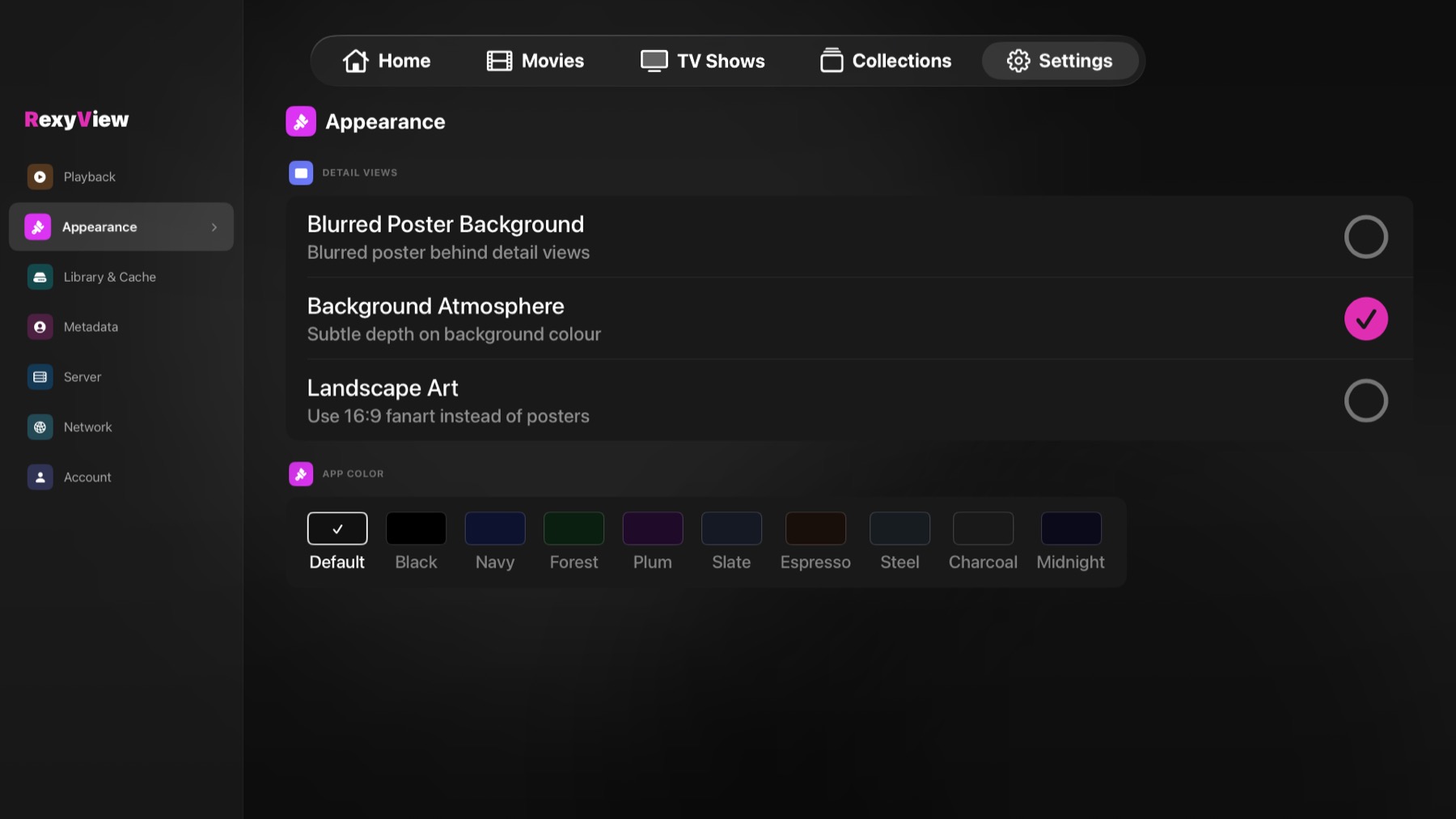
The most fully custom platform in RexyView. The entire interface is built from the ground up for the 10-foot experience with the Siri Remote.
Two-column settings let you navigate categories and adjust options without scrolling. Ratings overlays include a QR code to open on your phone.
- Custom two-column settings
- Full Siri Remote focus engine
- Ratings with scannable QR code
- Scrollable reviews with focus trapping
- Top Shelf integration
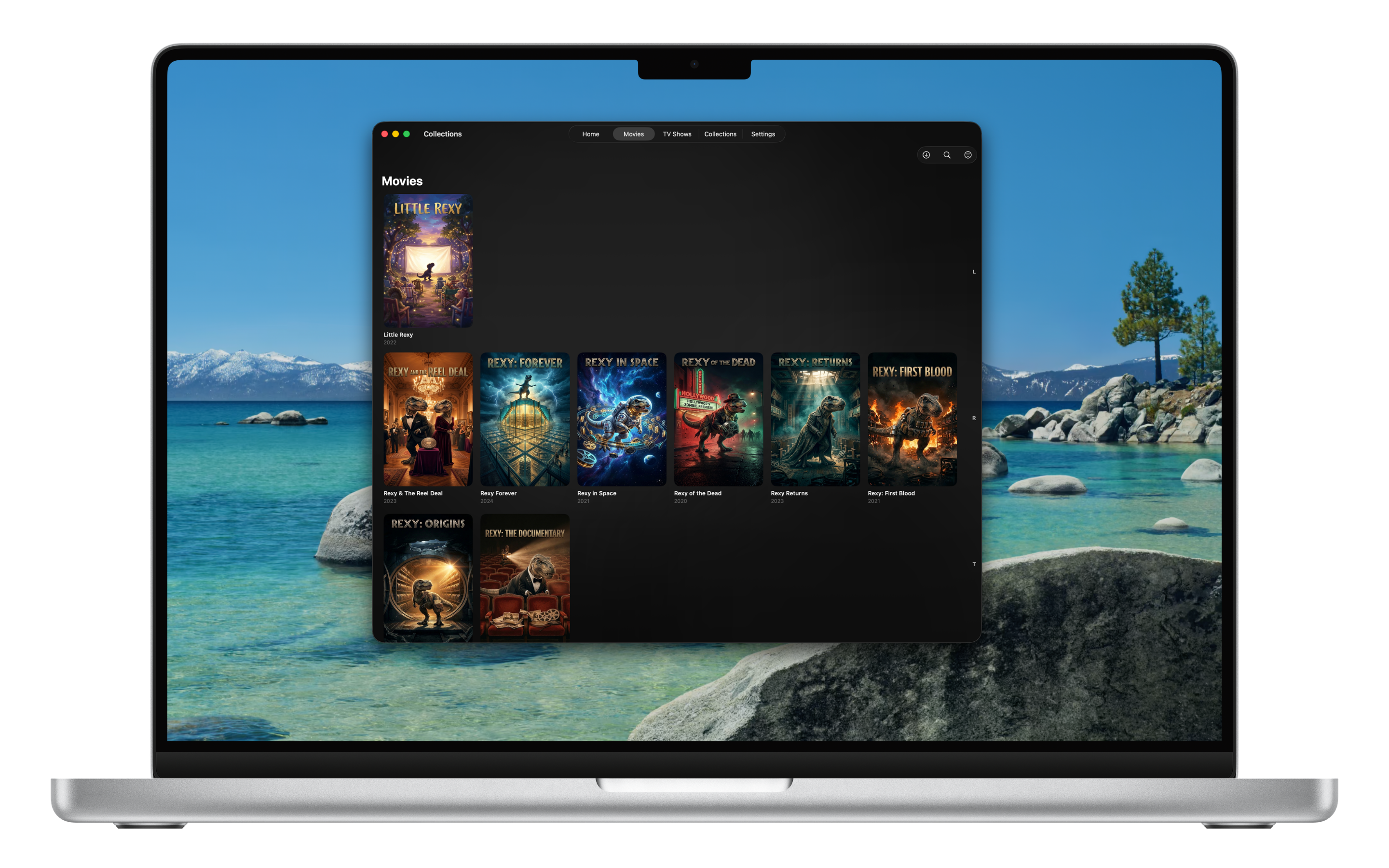
RexyView on Mac feels like a proper Mac app. Window resizing, keyboard shortcuts, and a layout that adapts to whatever size you set.
The same powerful iPad interface carries over to Mac with native Mac interactions on top.
- Native Mac window sizing
- Keyboard navigation and shortcuts
- Trackpad gestures
- Menu bar integration
- Full wide-layout interface
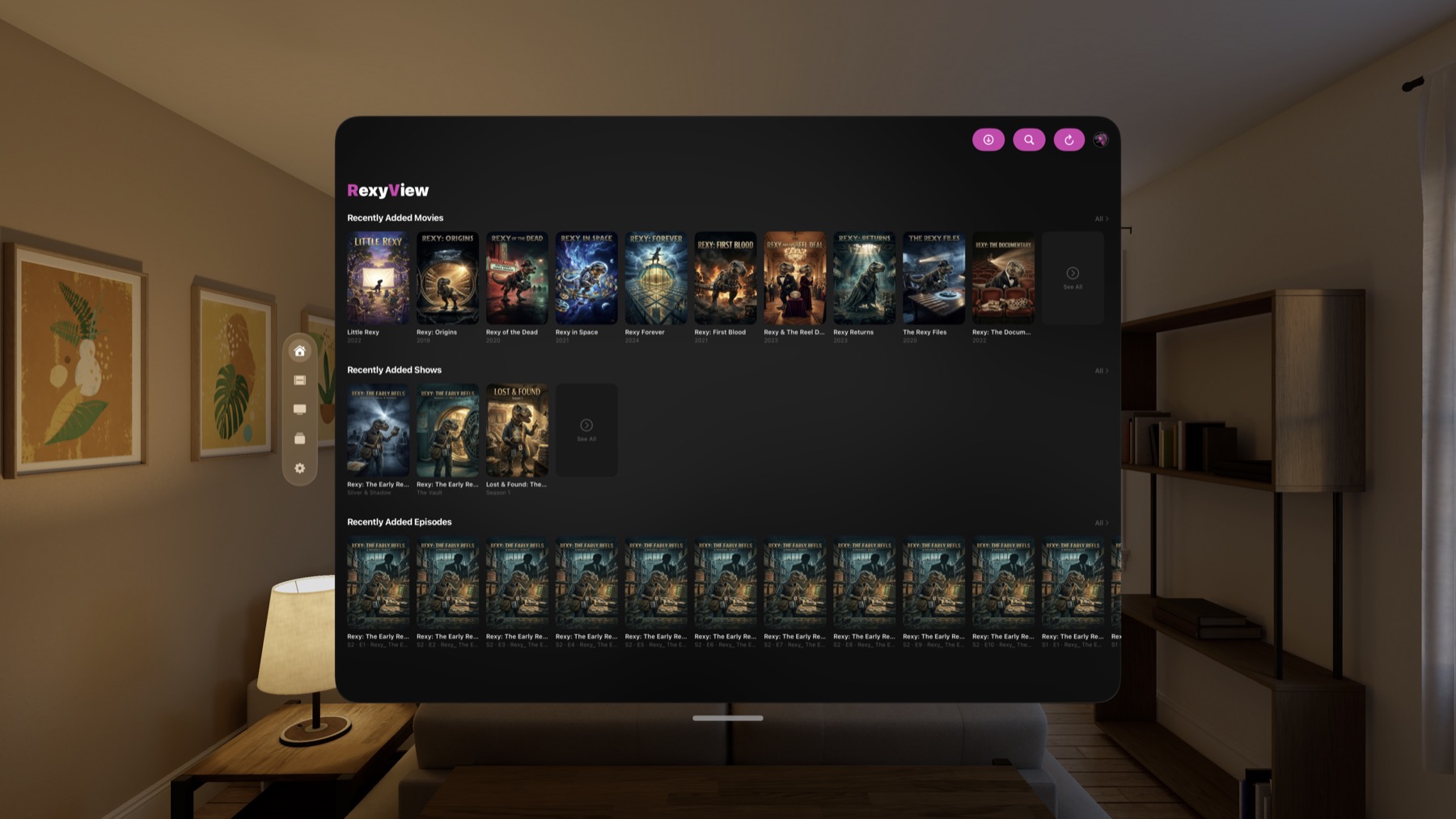
The Vision Pro interface brings hover effects, visionOS-native ornaments, and a glass aesthetic that feels right at home in spatial computing.
Every interactive element has a correctly shaped hover highlight. The large virtual canvas gives your library room to breathe.
- Hover effects on all interactive elements
- visionOS ornament navigation
- Glass aesthetic throughout
- Large canvas layout
- Eye tracking compatible
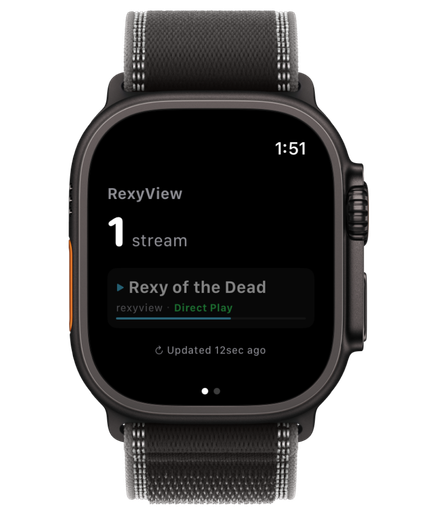
A companion for your wrist — not a video player. RexyView on Apple Watch is built for server owners who want to know exactly what's happening on their Plex server at a glance.
See active streams, monitor server load, and stop playbacks you didn't authorize — all without reaching for your phone.
- Active streams at a glance
- Live CPU and RAM graphs
- User activity and server load
- Complications in four styles
- Long-press to stop a stream