Family · RexyView RexyRead RexyListen RexyServer · Contact
What's inside

Everything your listening
deserves.

Built from the ground up for self-hosted audiobooks. M4B and MP3, with chapter-accurate sync across every Apple device you own.

M4B and MP3 Audiobooks
Drop your audiobooks onto RexyServer in either format. Chapter info, cover art, and metadata are picked up automatically. Multi-file MP3 audiobooks are stitched into a single seamless listen.
Self-Hosted, Always
Your audiobook library lives on RexyServer running on your own Mac. No cloud accounts. No streaming subscriptions. No DRM. No one tracking your listening.
Position-Accurate Sync
Listening position is tracked to the second and updates in real time. Pause in the car, walk inside, open the iPad — you're already where you left off.
Chapter Navigation
A clean chapter list with durations. Tap any chapter to jump there instantly. Skip back 30 seconds is a single tap, skip forward is configurable, and chapter boundaries are respected for next/previous track.
Bookmarks with Notes
Drop a bookmark on any moment you want to return to. Add a note. They sync everywhere alongside your position, so the line that made you laugh is just as findable on the iPad as it was on the phone.
Offline Downloads
Cache anything for offline listening. The background download manager keeps going when the app is closed, retries failed downloads, and resumes cleanly when the network returns.
Audio Enhancement
Built-in voice boost and EQ for clearer dialogue. Useful when narration is too quiet against road noise, train rumble, or a noisy kitchen. Per-book settings remembered.
Per-User Profiles
Every member of the household gets their own queue, their own bookmarks, their own progress. Switch users in two taps from the profile picker, available anywhere in the app.
Variable Speed Playback
Run from 0.5× to 3.0×. The audio pipeline preserves pitch so faster speeds keep the narrator sounding human. Per-book speed settings remembered.
QR or Manual Pairing
Scan a QR code from your RexyServer dashboard to pair in seconds, or type the pairing string manually. Each device ends up with its own credentials, revokable individually.
LAN-First Security
TLS certificate pinning to your server, per-device API keys, zero cloud round-trips. Your listening stays between your devices and your own machine.
Bookmark Export
Export your bookmarks and notes as Markdown, CSV, or JSON. Position timestamps, your notes, and the book title travel with you to any tool that opens text.
Free, Forever
No subscriptions. No ads. No trial periods. There's a tip jar if you love it — the app does everything either way.

Deep dives

The details that matter.

Playback

A player built for long-form listening.

RexyListen handles M4B chapter metadata natively and reconstructs chapter boundaries from filenames or audio gaps when you only have MP3s. The result is the same clean chapter list either way — tap any chapter to jump there instantly.

Variable-speed playback preserves pitch so you can run at 1.5× without the narrator sounding sped up. Skip back 30 seconds is a single tap; skip forward is configurable. Lock-screen controls behave the way Apple's own audio apps do.

Voice boost and EQ are built into the audio pipeline for those times when narration drops too low against road noise or background sound.
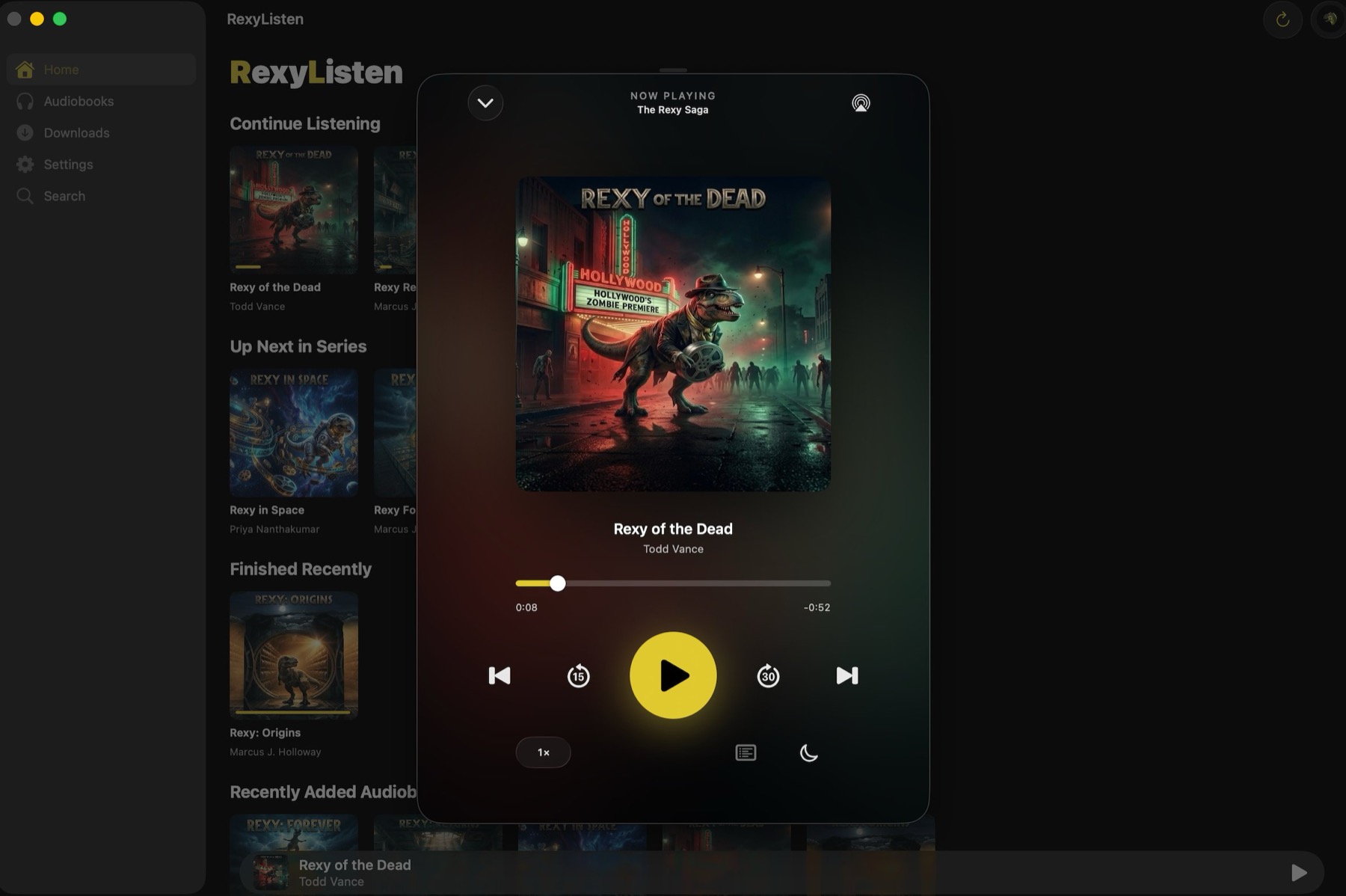
Playback · Chapters · Voice Boost
Sync

Pick up where you paused — anywhere.

Position is tracked to the second and updates in real time. Pause in the car, walk inside, open the iPad, and you're already where you left off.

Per-user profiles mean every member of the household gets their own queue and their own progress. The profile picker is two taps away from anywhere in the app.

If your server is unreachable, position is queued locally and flushed the moment connectivity returns — you never lose your spot, even if the network dies mid-chapter.
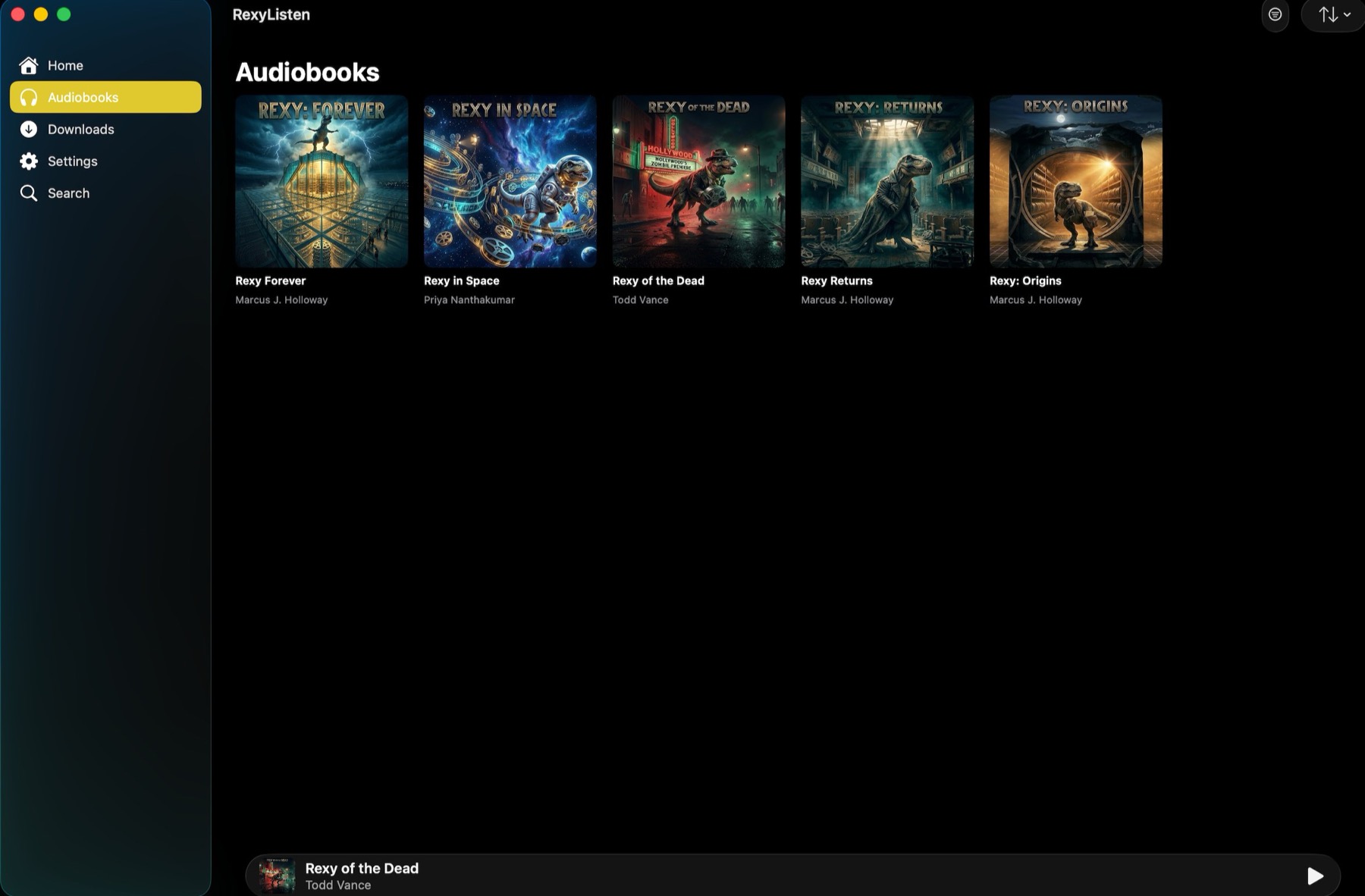
Sync · Profiles · Library
Security

Your library never leaves home.

RexyListen talks directly to your server over your LAN, with TLS certificate pinning to make sure connections can't be intercepted. Pairing happens once, via QR code or a typed pairing string. After that, every request is signed with a per-device API key you can revoke at any time.

For travel, install Tailscale on RexyServer and on each device you want to use remotely. Your devices will see each other as if they were on the same LAN, from anywhere, without opening ports or exposing your home network to the public internet. The per-device keys still apply.

There is no RexyListen account. There is no cloud sync. There is no telemetry. Your listening is yours and it stays where you keep it.
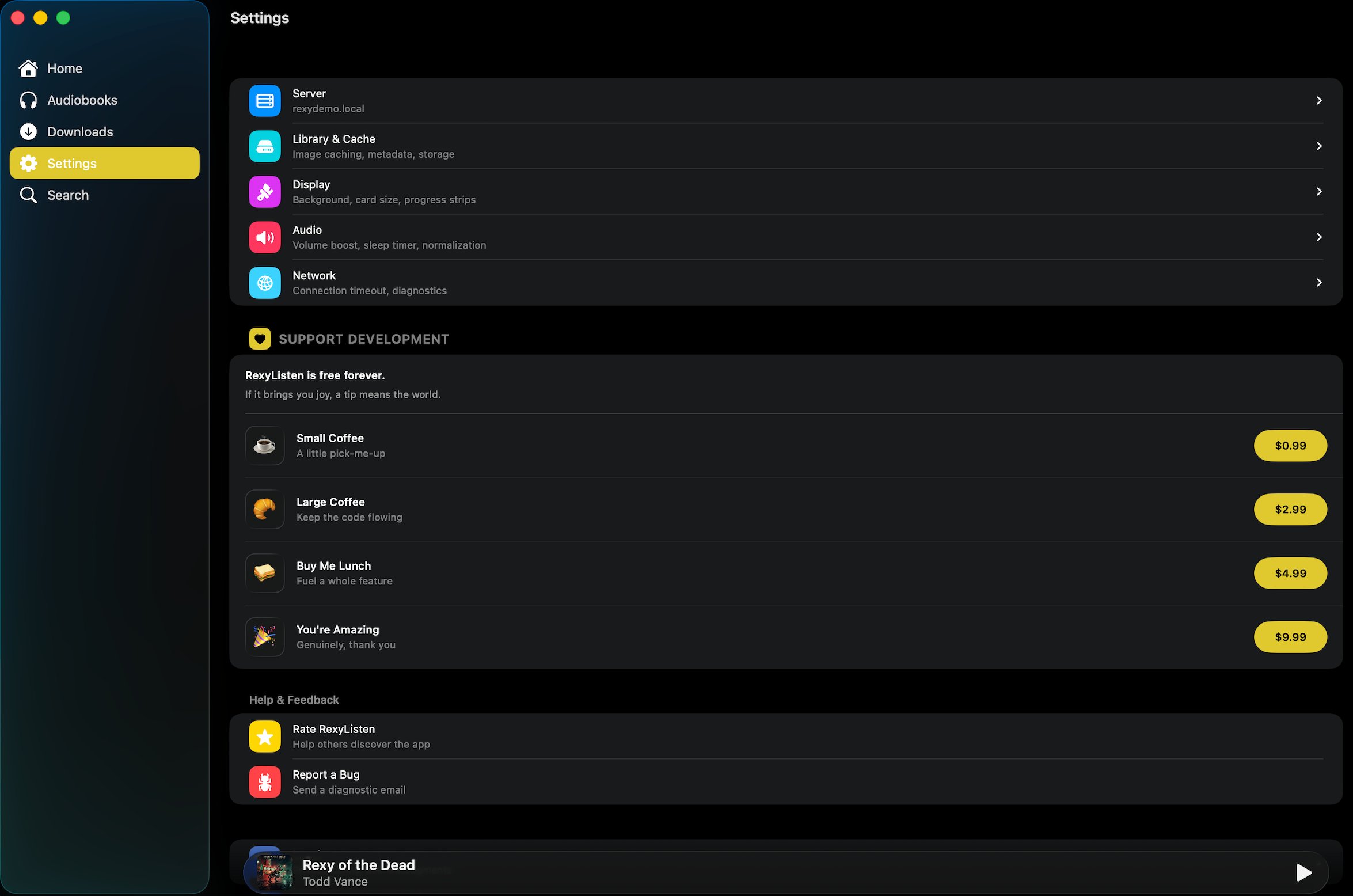
Security · TLS · LAN