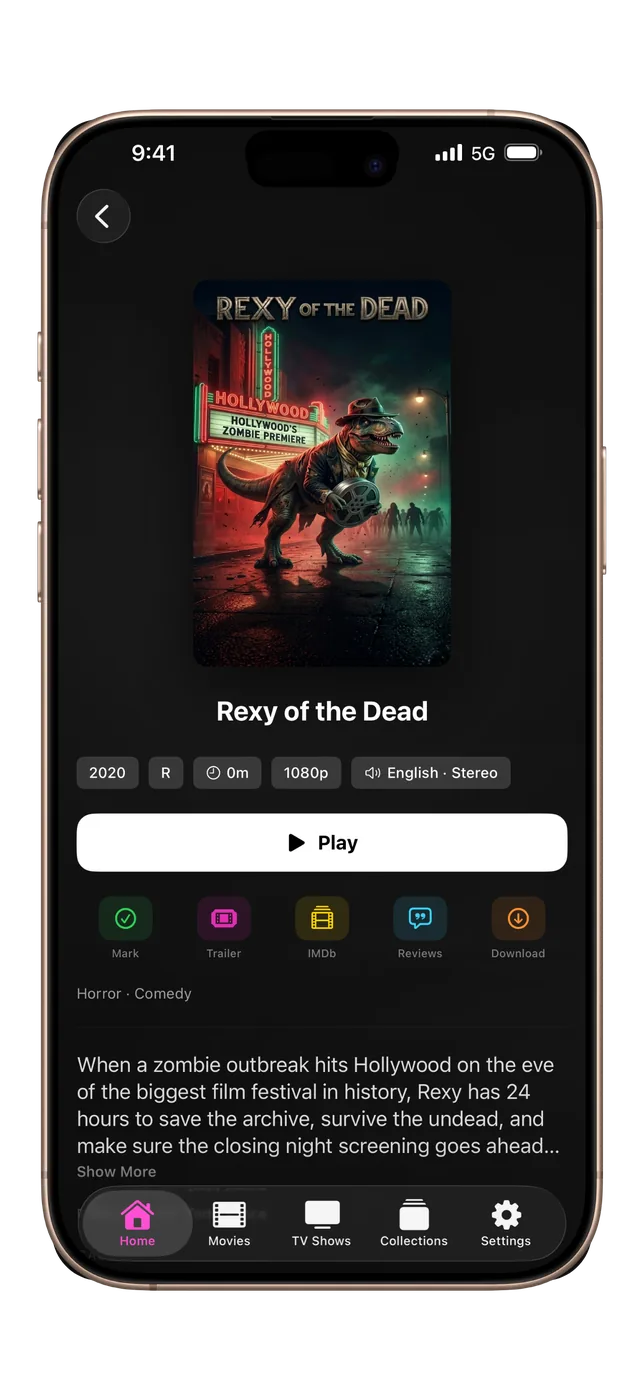
The most personal way to browse your library. Gesture-driven and optimized for one-hand use, the iPhone interface is compact and fast.
Swipe to navigate, tap to play, pull to refresh, double-tap to skip. Downloads keep going in the background while you use other apps, with optional notifications when they finish.
- Compact one-hand browsing
- Full gesture navigation
- Offline downloads that continue in the background
- Download notifications
- Picture-in-picture playback
- Swipe for brightness and volume in the player
- Home Screen widgets: Continue Watching, Shortcuts and Server Dashboard
- Requires iOS 27 or later
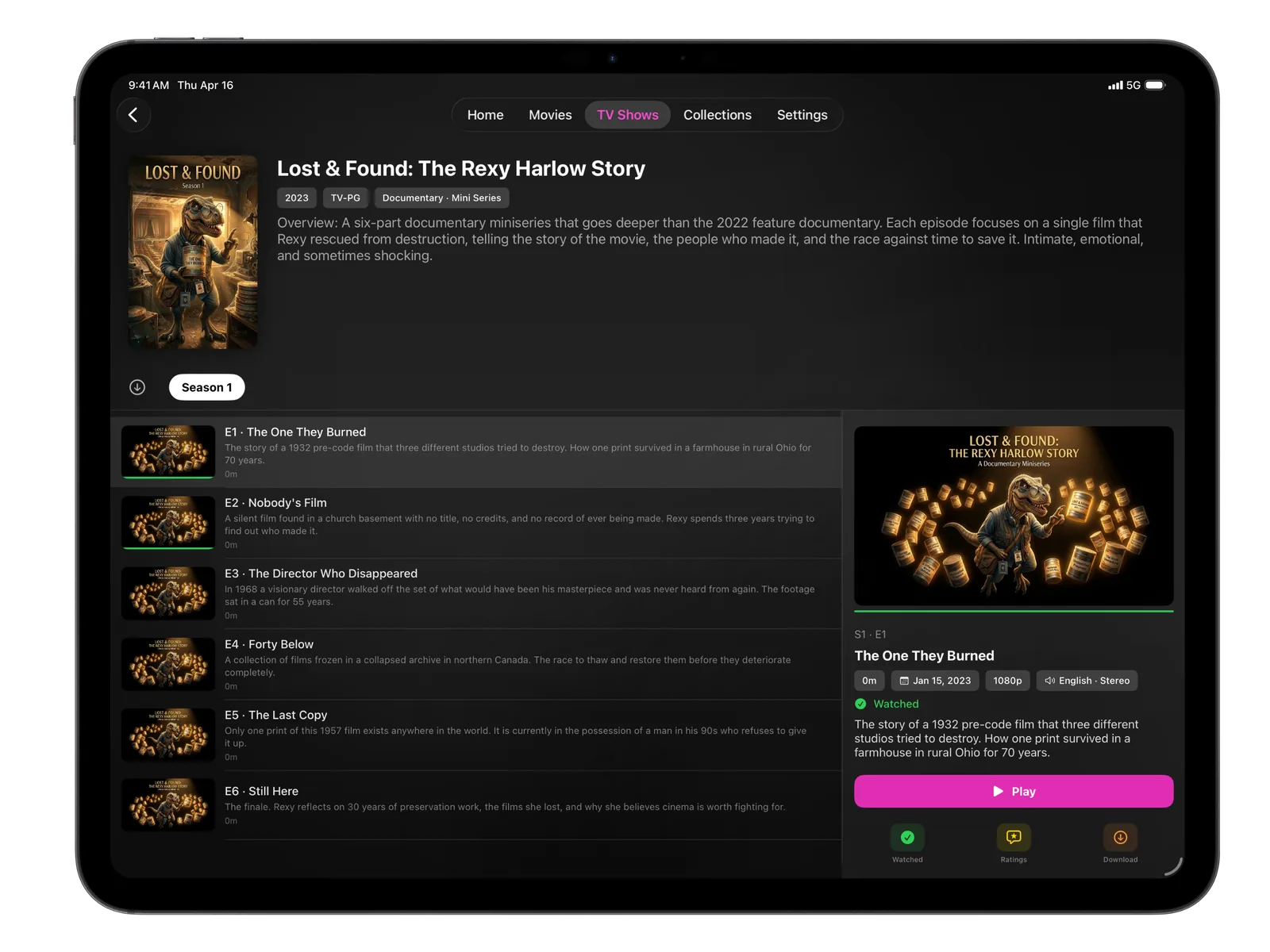
The iPad layout takes advantage of the larger canvas with a wide episode browser that shows a detail panel alongside the episode list.
Optimized for both portrait and landscape, with offline downloads that keep going in the background and optional notifications when they finish.
- Side-by-side episode detail panels
- Landscape and portrait layouts
- Offline downloads that continue in the background
- Download notifications
- Swipe for brightness and volume in the player
- Home Screen widgets: Continue Watching, Shortcuts and Server Dashboard
- Requires iPadOS 27 or later
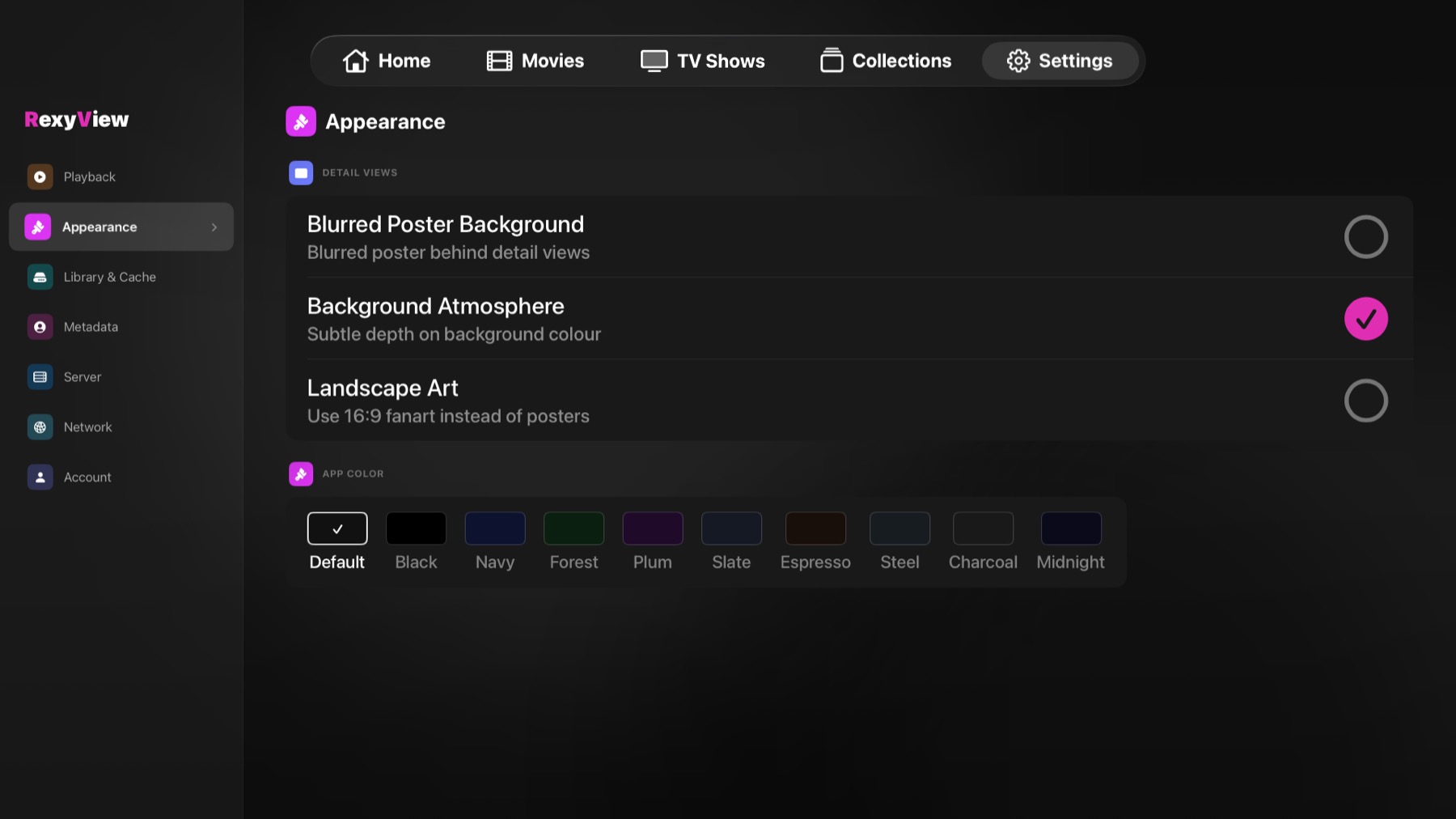
The most fully custom platform in RexyView. The entire interface is built from the ground up for the 10-foot experience with the Siri Remote.
Settings are laid out for the remote: pick a category, and each option opens a full-screen list of choices. You add Plex, Jellyfin and Emby accounts there too. Profiles with bedtime and viewing limits, HomeKit scenes and Find Subtitles all work on Apple TV. Ratings overlays include a QR code to open on your phone. Downloads aren’t available on Apple TV — it always streams from your server.
- Settings with full-screen choice lists
- Full Siri Remote focus engine
- Play/Pause on a poster starts playback
- Ratings with scannable QR code
- Top Shelf integration
- Profiles with bedtime and viewing limits
- HomeKit scenes
- Find Subtitles in the player
- Requires tvOS 26 or later
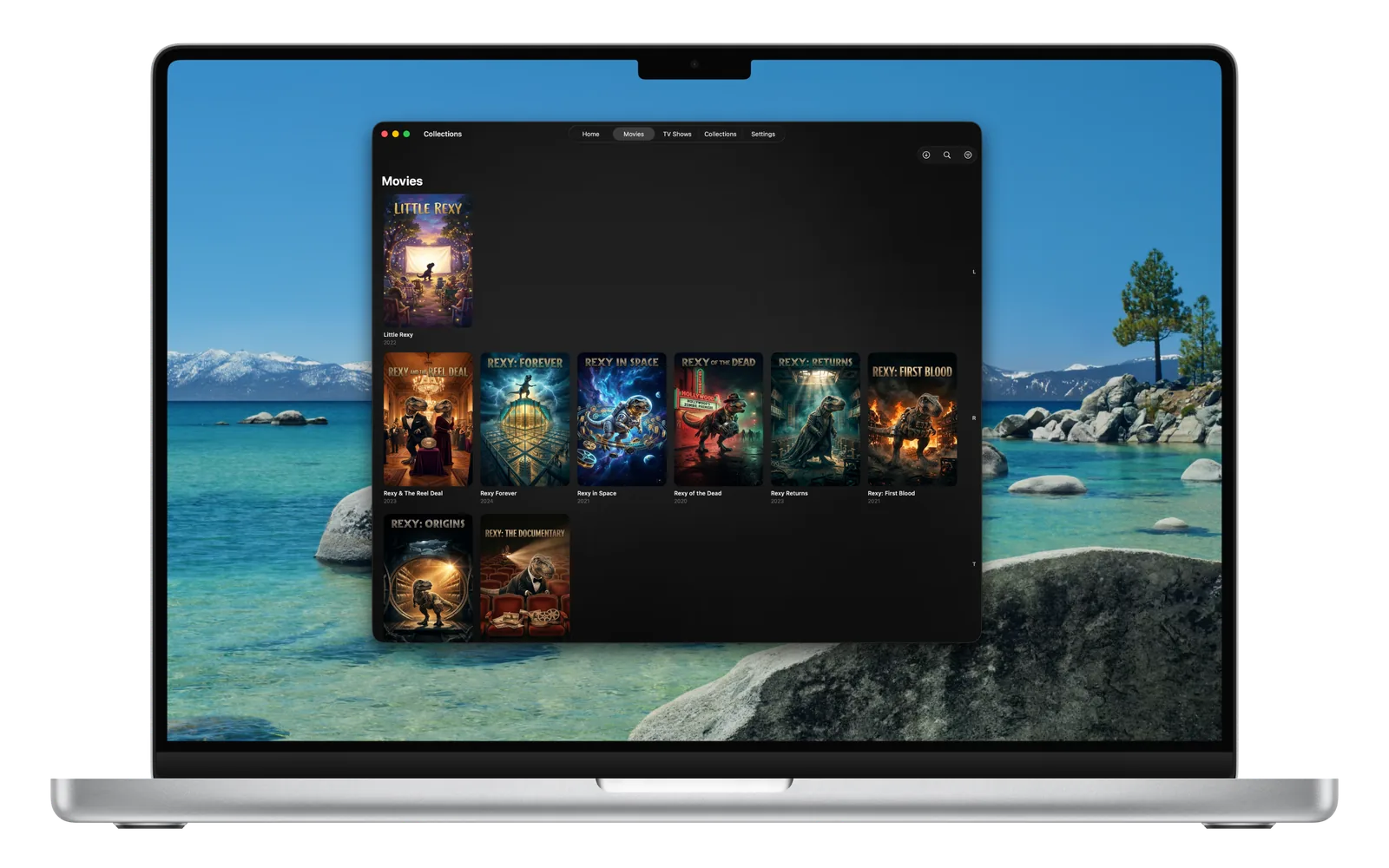
RexyView on Mac feels at home on the desktop. Resize the window and the layout adapts to whatever size you set.
The same powerful iPad interface carries over to Mac, including offline downloads and optional notifications when they finish.
- Native Mac window sizing
- Full wide-layout interface
- Hover tooltips on player controls
- Offline downloads
- Download notifications
- Widgets: Continue Watching, Shortcuts and Server Dashboard
- Requires macOS 27 or later
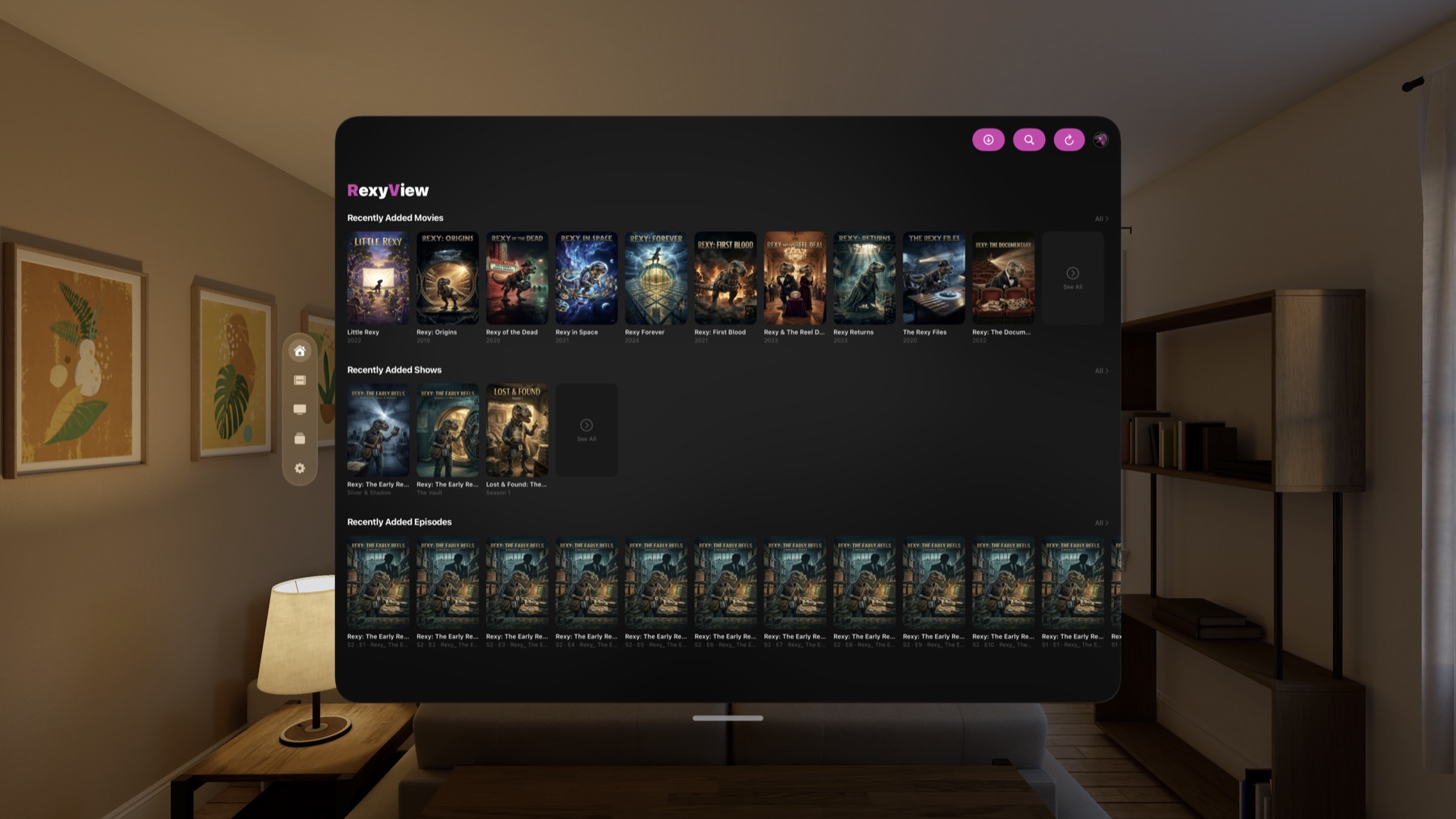
The Vision Pro interface brings hover effects, visionOS-native ornaments, and a glass aesthetic that feels right at home in spatial computing.
Every interactive element has a correctly shaped hover highlight. The large virtual canvas gives your library room to breathe.
- Hover effects on all interactive elements
- visionOS ornament navigation
- Glass aesthetic throughout
- Large canvas layout
- Offline downloads
- Widgets: Continue Watching and Server Dashboard
- Requires visionOS 27 or later
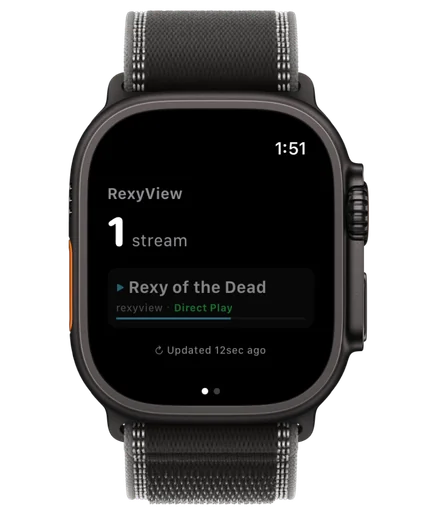
A companion for your wrist — not a video player. RexyView on Apple Watch is built for server owners who want to know exactly what's happening on their Plex, Jellyfin or Emby server at a glance.
See active streams and stop playbacks you didn't authorize — all without reaching for your phone. CPU and RAM graphs appear for Plex servers that report them; Jellyfin and Emby don't share those figures with apps.
- Active streams at a glance
- CPU and RAM graphs (Plex)
- Complications in four styles
- Long-press to stop a stream
- Requires watchOS 27 or later